
HTTP Cats
App · Images & Design · 8 actions
Put a cat on every HTTP status code with HTTP Cats, the free keyless picture site at http.cat: a cat that is 404 Not Found, a cat that is 418 I'm a teapot, one for each of 78 codes. Build the link for a code to drop into a Slack alert, an email or a README, download the picture as a file to attach, get it inline as a data URI, look a code up to learn its name and class, search the codes by a word in the name, or pick one at random for a cat of the day. Feed it the status an HTTP step got back and a failed request comes with its own cat.
Actions
| Action | What it does |
|---|---|
| Build a status cat URL | Turn an HTTP status code into the address of its cat, ready to drop into a Slack alert, an email, an incident note or a README, with ready-made HTML and Markdown snippets beside it. |
| Check service status | Check whether HTTP Cats is up and serving pictures, and how quickly. |
| Download a status cat | Download the cat for an HTTP status code as a JPEG file, so a later step can attach it to an email, post it into a chat or put it in storage. |
| Get a random status cat | Pick one of the 78 HTTP cats at random, from the whole catalogue or from one class, for a cat of the day, a channel mascot or a stand-up opener. |
| Get a status cat as a data URI | Get the cat for an HTTP status code inline, as a data URI rather than a link or a file, for somewhere that renders HTML but will not fetch a remote picture: an email whose images are blocked by default, a self-contained report, a page a later step builds. |
| List HTTP status codes | List the 78 HTTP status codes HTTP Cats has a cat for, each with its name, class, whether an RFC defines it, and the picture, page and embed links. |
| Look up an HTTP status code | Look up what an HTTP status code means and whether HTTP Cats has a cat for it: the name, the class (4xx client error, 5xx server error), whether an RFC defines it or a vendor made it up, and the picture, page and embed links. |
| Search HTTP status codes | Find the HTTP status codes whose name contains a word, best match first: a name that is the word, then names that start with it, then names with a word that starts with it, then the rest, so 'time' leads with Request Timeout before Connection Timed Out. |
Build a status cat URL
Turn an HTTP status code into the address of its cat, ready to drop into a Slack alert, an email, an incident note or a README, with ready-made HTML and Markdown snippets beside it. Nothing is downloaded, so this is the cheap way to put a cat on a failed request. A code the site has no cat for fails the step and names the nearest codes it has, unless the class's cat is allowed instead, in which case 520 gets the 500 cat and the result says so.
Inputs
- Status code
status_codetextRequired - The HTTP status code to get the cat for. Pick one from the list, or wire in the status an earlier step got back: a number such as 404, or text such as '404' or '404 Not Found', all work.
- Use the class's cat instead
fallback_to_classtrue/false - Optional, off by default. HTTP Cats has a cat for 78 codes, not every one a server can send. Off, a code it has no cat for fails the step and names the nearest codes it does have. On, the cat for the code's class is used instead (500 Internal Server Error for any 5xx, 400 Bad Request for any 4xx) and the result says so, which is the setting to use when the code comes from a live HTTP response.Default:
false.
Outputs
class_nametext- What the class means: Informational, Success, Redirection, Client error or Server error.
fell_backtrue/false- True when the site had no cat for the code asked for and the cat for its class was used instead. Branch on this rather than comparing codes.
image_tagtext- The picture as a ready-made HTML img tag with alt text, for a step that writes an email body or a web page.
image_urltext- The same picture with a .jpg extension, for somewhere that needs one to treat it as an image: an img src, a Markdown image, an email template.
markdowntext- The picture as a ready-made Markdown image, for a README, an issue or a chat app that renders Markdown.
nametext- The code's name as the picture spells it, e.g. 'Not Found'.
page_urltext- The site's page about the code, with a description of the status and links to the specification.
requested_codenumber- The code that was asked for, before any fallback.
standardtrue/false- True when an RFC defines the code. False for the ones a vendor made up, such as 420 Enhance Your Calm or 522 Connection Timed Out.
status_classtext- The code's class by its first digit: 1xx to 5xx.
status_codenumber- The HTTP status code, e.g. 404.
urltext- The short address the site documents, e.g. https://http.cat/404. It shows the picture in a browser and unfurls in most chat apps.
Example output
{
"class_name": "Client error",
"fell_back": false,
"image_tag": "<img src=\"https://http.cat/418.jpg\" alt=\"418 I\u2019m a teapot\">",
"image_url": "https://http.cat/418.jpg",
"markdown": "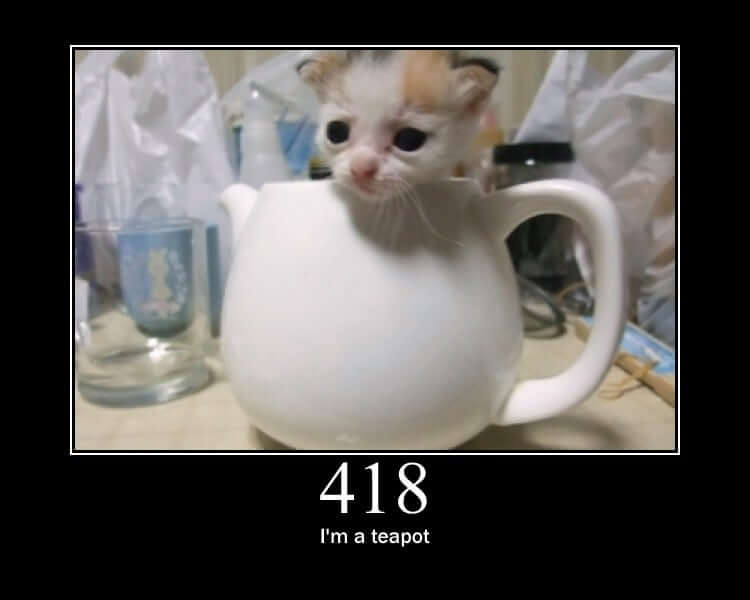",
"name": "I\u2019m a teapot",
"page_url": "https://http.cat/status/418",
"requested_code": 418,
"standard": true,
"status_class": "4xx",
"status_code": 418,
"url": "https://http.cat/418"
}Check service status
Check whether HTTP Cats is up and serving pictures, and how quickly. This is the one action that reports a problem as a value instead of failing the step, so a workflow can decide what to do about it. Being reachable but answering with something other than a picture is reported separately from being down.
Inputs
None.
Outputs
byte_sizenumber- How many bytes the site answered with.
content_typetext- The media type the site answered with, image/jpeg when it is serving pictures.
messagetext- A one-line summary of the result.
onlinetrue/false- True when the site answered the 200 cat with a picture.
reachabletrue/false- True when the site answered at all, whatever it said.
response_time_msnumber- How long the request took, in milliseconds.
status_codenumber- The HTTP status the site answered with, or null when it could not be reached.
Example output
{
  "byte_size": 41326,
  "content_type": "image/jpeg",
  "message": "HTTP Cats is up and serving pictures (87.4 ms for the 200 cat).",
  "online": true,
  "reachable": true,
  "response_time_ms": 87.4,
  "status_code": 200
}
Download a status cat
Download the cat for an HTTP status code as a JPEG file, so a later step can attach it to an email, post it into a chat or put it in storage. Use this where a link will not do and the picture has to travel with the message. A code the site has no cat for fails the step and names the nearest codes it has, unless the class's cat is allowed instead.
Inputs
- Status code
status_codetextRequired - The HTTP status code to get the cat for. Pick one from the list, or wire in the status an earlier step got back: a number such as 404, or text such as '404' or '404 Not Found', all work.
- Use the class's cat instead
fallback_to_classtrue/false - Optional, off by default. HTTP Cats has a cat for 78 codes, not every one a server can send. Off, a code it has no cat for fails the step and names the nearest codes it does have. On, the cat for the code's class is used instead (500 Internal Server Error for any 5xx, 400 Bad Request for any 4xx) and the result says so, which is the setting to use when the code comes from a live HTTP response.Default:
false.
Outputs
byte_sizenumber- The picture's size in bytes.
class_nametext- What the class means: Informational, Success, Redirection, Client error or Server error.
content_typetext- The picture's media type, image/jpeg.
document_reftext- The stored document's reference.
documentslist- The downloaded picture as a document, ready to attach to a later step.
fell_backtrue/false- True when the site had no cat for the code asked for and the cat for its class was used instead. Branch on this rather than comparing codes.
image_tagtext- The picture as a ready-made HTML img tag with alt text, for a step that writes an email body or a web page.
image_urltext- The same picture with a .jpg extension, for somewhere that needs one to treat it as an image: an img src, a Markdown image, an email template.
markdowntext- The picture as a ready-made Markdown image, for a README, an issue or a chat app that renders Markdown.
nametext- The code's name as the picture spells it, e.g. 'Not Found'.
page_urltext- The site's page about the code, with a description of the status and links to the specification.
requested_codenumber- The code that was asked for, before any fallback.
source_urltext- The site's own address for the picture, e.g. https://http.cat/404, for a step that wants to link to it as well as attach it.
standardtrue/false- True when an RFC defines the code. False for the ones a vendor made up, such as 420 Enhance Your Calm or 522 Connection Timed Out.
status_classtext- The code's class by its first digit: 1xx to 5xx.
status_codenumber- The HTTP status code, e.g. 404.
urltext- A URL that serves the stored file.
Example output
{
"byte_size": 48211,
"class_name": "Client error",
"content_type": "image/jpeg",
"document_ref": "doc_3f9c1b70a2f04d4e9a3f1a2b6c7d8e90",
"documents": [
{
"content_type": "image/jpeg",
"document_ref": "doc_3f9c1b70a2f04d4e9a3f1a2b6c7d8e90",
"filename": "http-cat-404-not-found.jpg",
"size_bytes": 48211,
"url": "/actions/core/serve-document/doc_3f9c1b70a2f04d4e9a3f1a2b6c7d8e90"
}
],
"fell_back": false,
"image_tag": "<img src=\"https://http.cat/404.jpg\" alt=\"404 Not Found\">",
"image_url": "https://http.cat/404.jpg",
"markdown": "",
"name": "Not Found",
"page_url": "https://http.cat/status/404",
"requested_code": 404,
"source_url": "https://http.cat/404",
"standard": true,
"status_class": "4xx",
"status_code": 404,
"url": "/actions/core/serve-document/doc_3f9c1b70a2f04d4e9a3f1a2b6c7d8e90"
}Get a random status cat
Pick one of the 78 HTTP cats at random, from the whole catalogue or from one class, for a cat of the day, a channel mascot or a stand-up opener. Give a seed to get the same cat every time for that seed: seed with the date and a daily post that retries, or that two people run an hour apart, picks the same cat, while tomorrow picks a different one. Nothing is downloaded; the result carries the links and embed snippets.
Inputs
- Class
status_classtext - Optional. Keep to one class of code: 1xx informational, 2xx success, 3xx redirection, 4xx client error or 5xx server error. Leave empty for every class.One of:
1xx(1xx Informational),2xx(2xx Success),3xx(3xx Redirection),4xx(4xx Client error),5xx(5xx Server error). - Seed
seedtext - Optional. Any text you like. The same seed always picks the same cat, so a date gives a cat of the day and a channel name gives each channel its own. Leave empty for a fresh pick every time.
Outputs
class_nametext- What the class means: Informational, Success, Redirection, Client error or Server error.
image_tagtext- The picture as a ready-made HTML img tag with alt text, for a step that writes an email body or a web page.
image_urltext- The same picture with a .jpg extension, for somewhere that needs one to treat it as an image: an img src, a Markdown image, an email template.
markdowntext- The picture as a ready-made Markdown image, for a README, an issue or a chat app that renders Markdown.
nametext- The code's name as the picture spells it, e.g. 'Not Found'.
page_urltext- The site's page about the code, with a description of the status and links to the specification.
pool_sizenumber- How many cats the pick was made from.
requested_classtext- The class that was asked for, e.g. '4xx', or null for every class.
seedtext- The seed the pick was made with, or null for a fresh pick.
standardtrue/false- True when an RFC defines the code. False for the ones a vendor made up, such as 420 Enhance Your Calm or 522 Connection Timed Out.
status_classtext- The code's class by its first digit: 1xx to 5xx.
status_codenumber- The HTTP status code, e.g. 404.
urltext- The short address the site documents, e.g. https://http.cat/404. It shows the picture in a browser and unfurls in most chat apps.
Example output
{
"class_name": "Server error",
"image_tag": "<img src=\"https://http.cat/503.jpg\" alt=\"503 Service Unavailable\">",
"image_url": "https://http.cat/503.jpg",
"markdown": "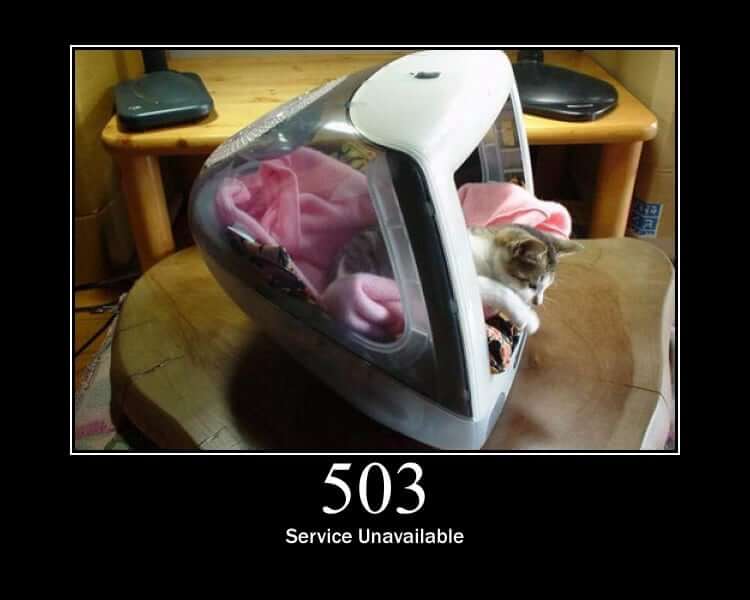",
"name": "Service Unavailable",
"page_url": "https://http.cat/status/503",
"pool_size": 17,
"requested_class": "5xx",
"seed": "2026-09-11",
"standard": true,
"status_class": "5xx",
"status_code": 503,
"url": "https://http.cat/503"
}Get a status cat as a data URI
Get the cat for an HTTP status code inline, as a data URI rather than a link or a file, for somewhere that renders HTML but will not fetch a remote picture: an email whose images are blocked by default, a self-contained report, a page a later step builds. The pictures are JPEGs of a few tens of kilobytes, so the value is a long one; keep it for where a link cannot go.
Inputs
- Status code
status_codetextRequired - The HTTP status code to get the cat for. Pick one from the list, or wire in the status an earlier step got back: a number such as 404, or text such as '404' or '404 Not Found', all work.
- Use the class's cat instead
fallback_to_classtrue/false - Optional, off by default. HTTP Cats has a cat for 78 codes, not every one a server can send. Off, a code it has no cat for fails the step and names the nearest codes it does have. On, the cat for the code's class is used instead (500 Internal Server Error for any 5xx, 400 Bad Request for any 4xx) and the result says so, which is the setting to use when the code comes from a live HTTP response.Default:
false.
Outputs
byte_sizenumber- The picture's size in bytes before encoding. The data URI is roughly a third longer again.
class_nametext- What the class means: Informational, Success, Redirection, Client error or Server error.
content_typetext- The picture's media type, image/jpeg.
data_uritext- The whole picture as a 'data:image/jpeg;base64,...' string, ready to use as the src of an img tag.
fell_backtrue/false- True when the site had no cat for the code asked for and the cat for its class was used instead. Branch on this rather than comparing codes.
image_tagtext- The picture as a ready-made HTML img tag with alt text, for a step that writes an email body or a web page.
image_urltext- The same picture with a .jpg extension, for somewhere that needs one to treat it as an image: an img src, a Markdown image, an email template.
markdowntext- The picture as a ready-made Markdown image, for a README, an issue or a chat app that renders Markdown.
nametext- The code's name as the picture spells it, e.g. 'Not Found'.
page_urltext- The site's page about the code, with a description of the status and links to the specification.
requested_codenumber- The code that was asked for, before any fallback.
standardtrue/false- True when an RFC defines the code. False for the ones a vendor made up, such as 420 Enhance Your Calm or 522 Connection Timed Out.
status_classtext- The code's class by its first digit: 1xx to 5xx.
status_codenumber- The HTTP status code, e.g. 404.
urltext- The short address the site documents, e.g. https://http.cat/404. It shows the picture in a browser and unfurls in most chat apps.
Example output
{
"byte_size": 48211,
"class_name": "Client error",
"content_type": "image/jpeg",
"data_uri": "data:image/jpeg;base64,/9j/4AAQSkZJRgABAQEASABIAAD/2wBDAAYEBQYFBAYGBQYHBwYIChAKCgkJChQODwwQFxQYGBcUFhYaHSUfGhsjHBYWICwgIyYn",
"fell_back": false,
"image_tag": "<img src=\"https://http.cat/404.jpg\" alt=\"404 Not Found\">",
"image_url": "https://http.cat/404.jpg",
"markdown": "",
"name": "Not Found",
"page_url": "https://http.cat/status/404",
"requested_code": 404,
"standard": true,
"status_class": "4xx",
"status_code": 404,
"url": "https://http.cat/404"
}List HTTP status codes
List the 78 HTTP status codes HTTP Cats has a cat for, each with its name, class, whether an RFC defines it, and the picture, page and embed links. Keep to one class, such as the 4xx client errors, or to the standard codes only. Nothing is fetched: the catalogue is the site's own published table, copied here, so the list is instant and the total is always reported.
Inputs
- Class
status_classtext - Optional. Keep to one class of code: 1xx informational, 2xx success, 3xx redirection, 4xx client error or 5xx server error. Leave empty for every class.One of:
1xx(1xx Informational),2xx(2xx Success),3xx(3xx Redirection),4xx(4xx Client error),5xx(5xx Server error). - Standard codes only
standard_onlytrue/false - Optional, off by default. Leave out the codes no RFC defines: the ones nginx, Cloudflare, Laravel, Twitter and Microsoft made up, such as 420 Enhance Your Calm and 522 Connection Timed Out.Default:
false.
Outputs
codeslist- The codes, lowest first.
countnumber- How many codes were returned.
requested_classtext- The class that was asked for, e.g. '4xx', or null for every class.
standard_onlytrue/false- True when the codes no RFC defines were left out.
totalnumber- How many codes the site has a cat for in all, whatever was filtered out.
Example output
{
"codes": [
{
"class_name": "Server error",
"image_tag": "<img src=\"https://http.cat/500.jpg\" alt=\"500 Internal Server Error\">",
"image_url": "https://http.cat/500.jpg",
"markdown": "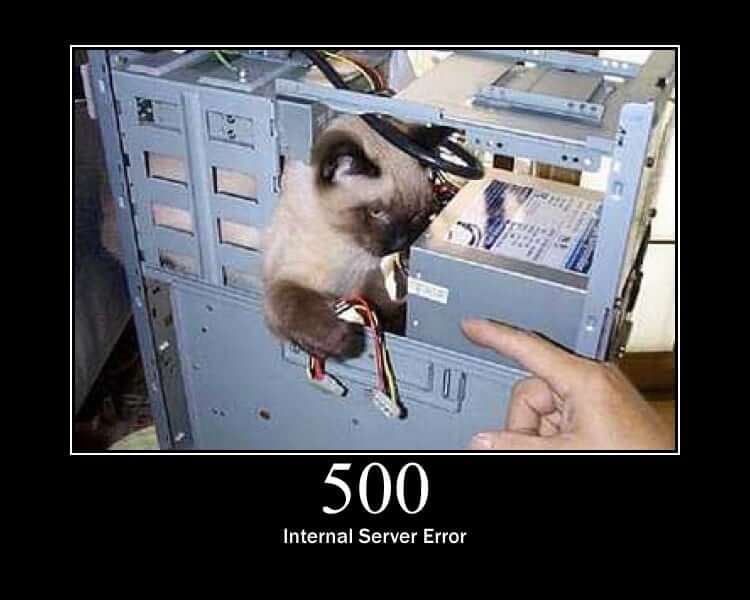",
"name": "Internal Server Error",
"page_url": "https://http.cat/status/500",
"standard": true,
"status_class": "5xx",
"status_code": 500,
"url": "https://http.cat/500"
},
{
"class_name": "Server error",
"image_tag": "<img src=\"https://http.cat/503.jpg\" alt=\"503 Service Unavailable\">",
"image_url": "https://http.cat/503.jpg",
"markdown": "",
"name": "Service Unavailable",
"page_url": "https://http.cat/status/503",
"standard": true,
"status_class": "5xx",
"status_code": 503,
"url": "https://http.cat/503"
},
{
"class_name": "Server error",
"image_tag": "<img src=\"https://http.cat/504.jpg\" alt=\"504 Gateway Timeout\">",
"image_url": "https://http.cat/504.jpg",
"markdown": "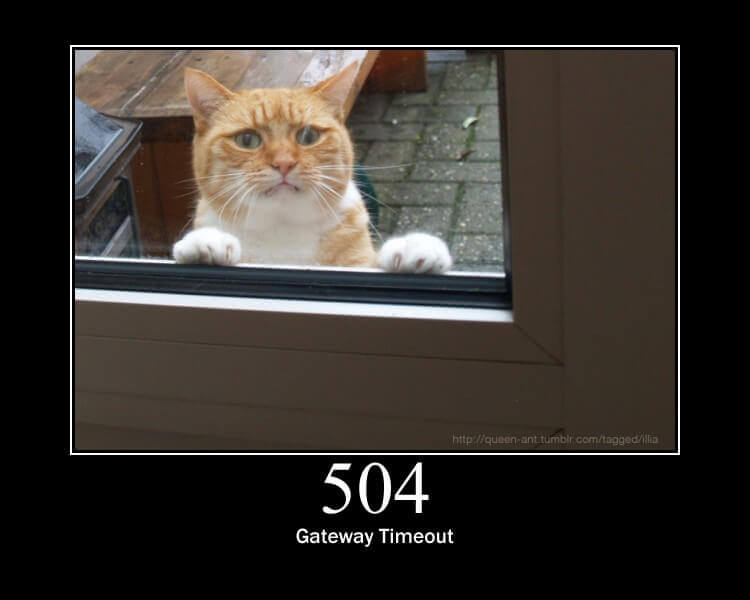",
"name": "Gateway Timeout",
"page_url": "https://http.cat/status/504",
"standard": true,
"status_class": "5xx",
"status_code": 504,
"url": "https://http.cat/504"
}
],
"count": 3,
"requested_class": "5xx",
"standard_only": true,
"total": 78
}Look up an HTTP status code
Look up what an HTTP status code means and whether HTTP Cats has a cat for it: the name, the class (4xx client error, 5xx server error), whether an RFC defines it or a vendor made it up, and the picture, page and embed links. This is the one action that answers for any code from 100 to 599 rather than failing on one the site has no cat for: it reports the code as unknown, the nearest codes it does have, and the cat for the code's class, so a workflow can branch on whatever an HTTP step got back.
Inputs
- Status code
status_codetextRequired - The HTTP status code to get the cat for. Pick one from the list, or wire in the status an earlier step got back: a number such as 404, or text such as '404' or '404 Not Found', all work.
Outputs
class_catobject- The cat for the code's class: 500 Internal Server Error for any 5xx. Always present, so a step has a picture to fall back on.
class_nametext- What the class means, e.g. 'Server error', known or not.
knowntrue/false- True when HTTP Cats has a cat for the code. Branch on this before reading status.
nearestlist- For a code the site has no cat for, the two codes it does have that are numerically closest. Empty for a known code.
requested_codenumber- The code that was looked up.
statusobject- The code and the addresses of its cat. Null when the site has no cat for it.
status_classtext- The code's class by its first digit, 1xx to 5xx, known or not.
Example output
{
"class_cat": {
"class_name": "Client error",
"image_tag": "<img src=\"https://http.cat/400.jpg\" alt=\"400 Bad Request\">",
"image_url": "https://http.cat/400.jpg",
"markdown": "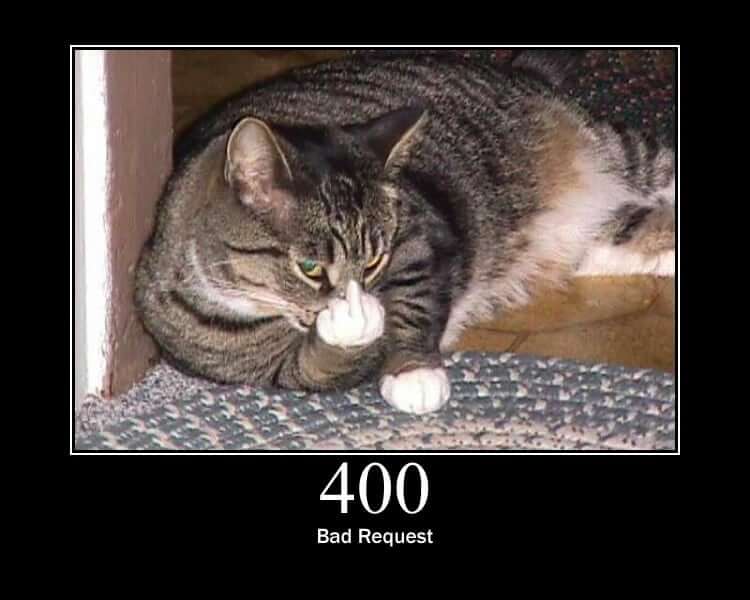",
"name": "Bad Request",
"page_url": "https://http.cat/status/400",
"standard": true,
"status_class": "4xx",
"status_code": 400,
"url": "https://http.cat/400"
},
"class_name": "Client error",
"known": true,
"nearest": [],
"requested_code": 404,
"status": {
"class_name": "Client error",
"image_tag": "<img src=\"https://http.cat/404.jpg\" alt=\"404 Not Found\">",
"image_url": "https://http.cat/404.jpg",
"markdown": "",
"name": "Not Found",
"page_url": "https://http.cat/status/404",
"standard": true,
"status_class": "4xx",
"status_code": 404,
"url": "https://http.cat/404"
},
"status_class": "4xx"
}Search HTTP status codes
Find the HTTP status codes whose name contains a word, best match first: a name that is the word, then names that start with it, then names with a word that starts with it, then the rest, so 'time' leads with Request Timeout before Connection Timed Out. The first digits of a code work too: '50' finds every 50x code and '5xx' the whole class. Nothing is fetched, and the total number of matches is always reported.
Inputs
- Search for
querytextRequired - A word from the code's name, or the first digits of the code. 'timeout' finds 408, 504 and 599; 'teapot' finds 418; '50' finds every 50x code; '5xx' finds the whole class.
- Number of matches
limitnumber - How many matches to return, from 1 to 78, best match first. Leave empty for all of them.From 1 to 78.
Outputs
match_countnumber- How many matches were returned.
matcheslist- The matching codes, best match first.
querytext- The text that was searched for, trimmed.
requested_countnumber- The limit that was asked for, or null for all matches.
searched_countnumber- How many codes were searched.
total_matchesnumber- How many codes matched in all, before any limit.
Example output
{
"match_count": 3,
"matches": [
{
"class_name": "Client error",
"image_tag": "<img src=\"https://http.cat/408.jpg\" alt=\"408 Request Timeout\">",
"image_url": "https://http.cat/408.jpg",
"markdown": "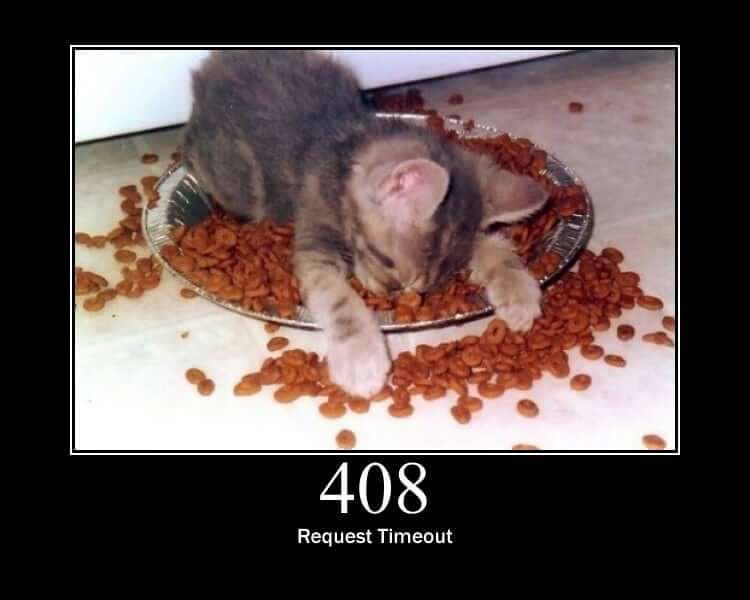",
"name": "Request Timeout",
"page_url": "https://http.cat/status/408",
"standard": true,
"status_class": "4xx",
"status_code": 408,
"url": "https://http.cat/408"
},
{
"class_name": "Server error",
"image_tag": "<img src=\"https://http.cat/504.jpg\" alt=\"504 Gateway Timeout\">",
"image_url": "https://http.cat/504.jpg",
"markdown": "",
"name": "Gateway Timeout",
"page_url": "https://http.cat/status/504",
"standard": true,
"status_class": "5xx",
"status_code": 504,
"url": "https://http.cat/504"
},
{
"class_name": "Server error",
"image_tag": "<img src=\"https://http.cat/599.jpg\" alt=\"599 Network Connect Timeout Error\">",
"image_url": "https://http.cat/599.jpg",
"markdown": "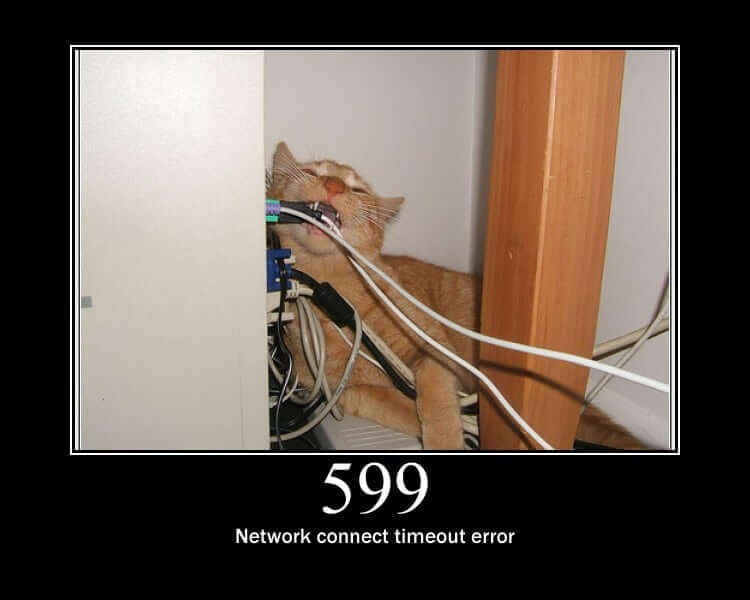",
"name": "Network Connect Timeout Error",
"page_url": "https://http.cat/status/599",
"standard": false,
"status_class": "5xx",
"status_code": 599,
"url": "https://http.cat/599"
}
],
"query": "timeout",
"requested_count": null,
"searched_count": 78,
"total_matches": 3
}