
RandomFox
App · Images & Design · 8 actions
Put a fox in your workflow with RandomFox, the free keyless picture site at randomfox.ca: click and get a fox, 124 of them and counting. Get one at random for a stand-up opener or a channel mascot, get a handful for a gallery, download one as a file to attach to an email, or get it inline as a data URI where a link will not load. Every fox has a number, so a fox worth keeping can be fetched again exactly, and a seeded pick gives the same fox all day and a new one tomorrow.
Actions
| Action | What it does |
|---|---|
| Check service status | Check whether RandomFox is up and handing out foxes, and how quickly. |
| Count the foxes | Find out how many foxes RandomFox has right now, and which one is the newest. |
| Download a fox | Download a fox as a JPEG file, so a later step can attach it to an email, post it into a chat or put it in storage. |
| Get a fox as a data URI | Get a fox inline, as a data URI rather than a link or a file, for somewhere that renders HTML but will not fetch a remote picture: an email whose images are blocked by default, a self-contained report, a page a later step builds. |
| Get a fox by number | Get one particular fox by its number, the number in its link: https://randomfox.ca/?i=78 is fox 78. |
| Get a random fox | Get one fox at random from RandomFox: the picture's address, the site's own share link for it, and ready-made HTML and Markdown snippets. |
| Get several random foxes | Get a handful of foxes at random in one step, for a gallery, a digest or a set of avatars. |
| Get the fox of the day | Pick a fox from a seed, so the same seed always picks the same fox. |
Check service status
Check whether RandomFox is up and handing out foxes, and how quickly. This is the one action that reports a problem as a value instead of failing the step, so a workflow can decide what to do about it. Answering at all and answering with a fox are reported separately, because a parked domain does the first and not the second.
Inputs
None.
Outputs
byte_sizenumber- How many bytes the site answered with.
content_typetext- The media type the site answered with, application/json when it is handing out foxes.
image_urltext- The picture the check itself was given, so a green check comes with a fox. Null when the site answered without one.
messagetext- A one-line summary of the result.
onlinetrue/false- True when the site answered with a fox. This is the field to branch on.
reachabletrue/false- True when the site answered at all, whatever it said.
response_time_msnumber- How long the request took, in milliseconds.
status_codenumber- The HTTP status the site answered with, or null when it could not be reached.
Example output
{
  "byte_size": 78,
  "content_type": "application/json",
  "image_url": "https://randomfox.ca/images/78.jpg",
  "message": "RandomFox is up and handing out foxes (112.6 ms for /floof).",
  "online": true,
  "reachable": true,
  "response_time_ms": 112.6,
  "status_code": 200
}
Count the foxes
Find out how many foxes RandomFox has right now, and which one is the newest. The collection grows as people send more foxes in, and the number is not in the API: it is the tally the site prints on its own home page, which this step reads. Use it to pin a seeded pick, to bound a fox number a workflow makes up, or to notice when new foxes have arrived.
Inputs
None.
Outputs
fox_countnumber- How many foxes the site says it has. It goes up over time and never down.
newestobject- The newest fox. The pictures are numbered from 1 upwards, so it is the last one.
source_urltext- The page the count was read from.
Example output
{
"fox_count": 124,
"newest": {
"fox_number": 124,
"image_tag": "<img src=\"https://randomfox.ca/images/124.jpg\" alt=\"Fox number 124 from RandomFox\" />",
"image_url": "https://randomfox.ca/images/124.jpg",
"markdown": "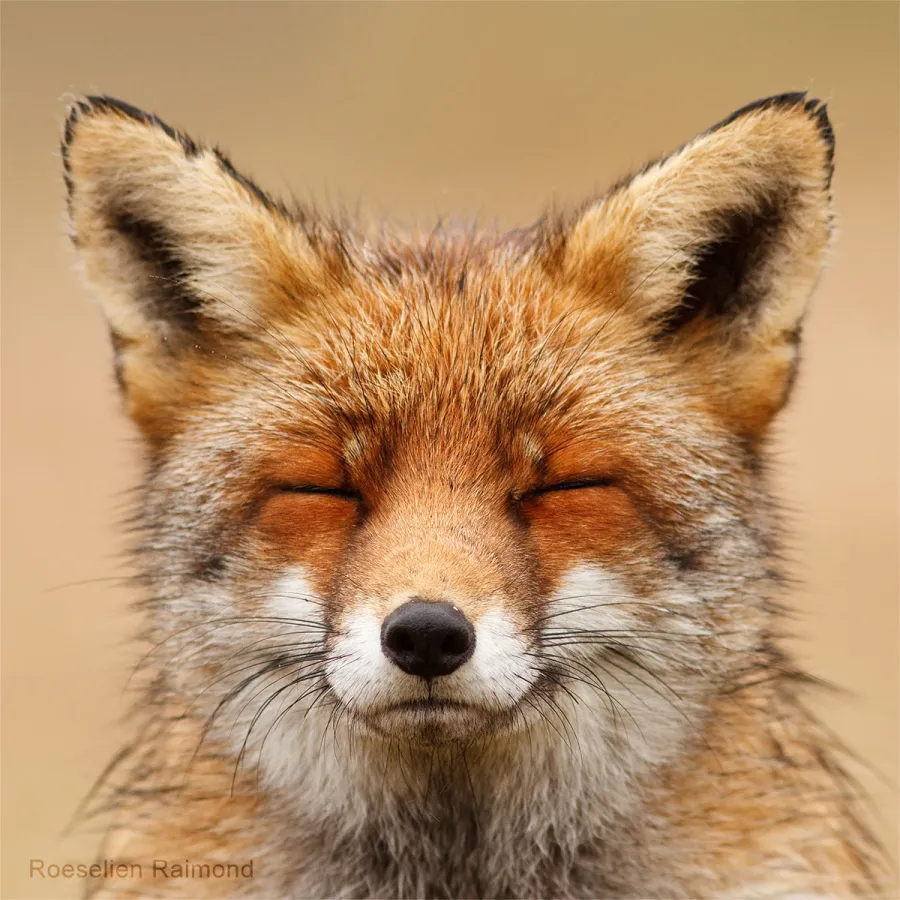",
"page_url": "https://randomfox.ca/?i=124"
},
"source_url": "https://randomfox.ca/"
}Download a fox
Download a fox as a JPEG file, so a later step can attach it to an email, post it into a chat or put it in storage. Use this where a link will not do and the picture has to travel with the message. Name a fox by its number, or leave the number empty to download one at random.
Inputs
- Fox number
fox_numbernumber - Optional. Which fox to fetch, as the number in its link: https://randomfox.ca/?i=78 is fox 78. Leave empty to draw one at random, which costs one extra request.At least 1.
Outputs
byte_sizenumber- The stored file's size in bytes.
content_typetext- The picture's media type, image/jpeg.
document_reftext- The stored document's reference.
documentslist- The downloaded picture as a document, ready to attach to a later step.
fox_numbernumber- The fox's number, which is how a fox is named on this site: fox 78 is the one at https://randomfox.ca/?i=78, and it stays that fox for good. Keep it to fetch the same fox again later. Null only in the rare case where the site's answer carried no number.
image_tagtext- The picture as a ready-made HTML img tag with alt text, for a step that writes an email body or a web page.
image_urltext- The picture itself, e.g. https://randomfox.ca/images/78.jpg. It is a JPEG, so it works as an img src, in a Markdown image and in most chat apps' unfurls.
markdowntext- The picture as a ready-made Markdown image, for a README, an issue or a chat app that renders Markdown.
page_urltext- The site's page for this fox, e.g. https://randomfox.ca/?i=78. This is the address the site's own 'Share this fox!' box hands out.
urltext- A URL that serves the stored file. The fox's own address on the site stays in image_url.
was_randomtrue/false- True when no fox number was given and one was drawn at random. Branch on this rather than on whether the field was filled in.
Example output
{
"byte_size": 63118,
"content_type": "image/jpeg",
"document_ref": "doc_5b2e9c147af04a1d8e6c3b9f2a7d0e41",
"documents": [
{
"content_type": "image/jpeg",
"document_ref": "doc_5b2e9c147af04a1d8e6c3b9f2a7d0e41",
"filename": "randomfox-78.jpg",
"size_bytes": 63118,
"url": "/actions/core/serve-document/doc_5b2e9c147af04a1d8e6c3b9f2a7d0e41"
}
],
"fox_number": 78,
"image_tag": "<img src=\"https://randomfox.ca/images/78.jpg\" alt=\"Fox number 78 from RandomFox\" />",
"image_url": "https://randomfox.ca/images/78.jpg",
"markdown": "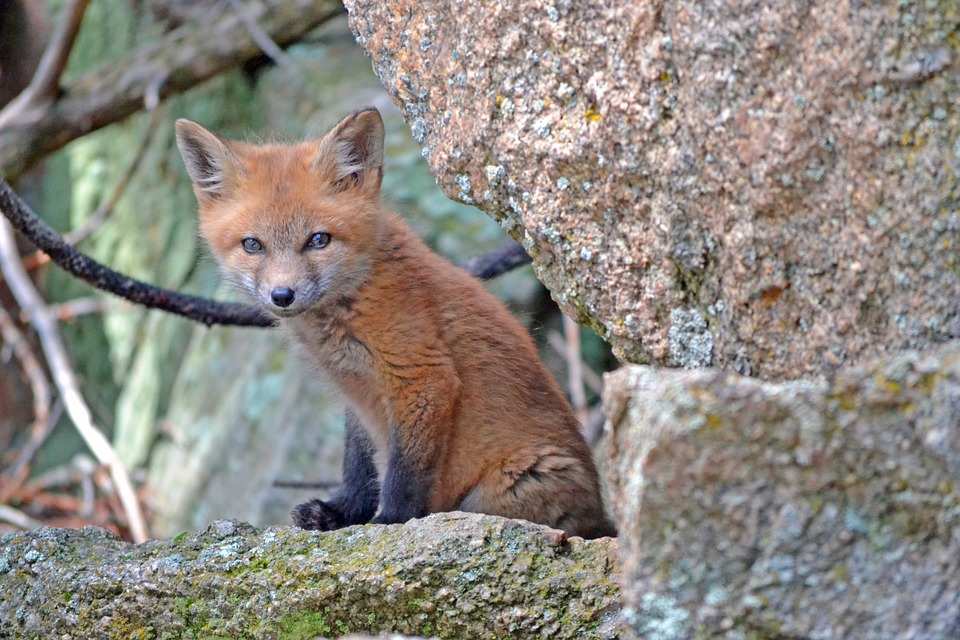",
"page_url": "https://randomfox.ca/?i=78",
"url": "/actions/core/serve-document/doc_5b2e9c147af04a1d8e6c3b9f2a7d0e41",
"was_random": false
}Get a fox as a data URI
Get a fox inline, as a data URI rather than a link or a file, for somewhere that renders HTML but will not fetch a remote picture: an email whose images are blocked by default, a self-contained report, a page a later step builds. The pictures are photographs of a few tens of kilobytes, so the value is a long one; keep it for where a link cannot go.
Inputs
- Fox number
fox_numbernumber - Optional. Which fox to fetch, as the number in its link: https://randomfox.ca/?i=78 is fox 78. Leave empty to draw one at random, which costs one extra request.At least 1.
Outputs
byte_sizenumber- The picture's size in bytes before encoding. The data URI is roughly a third longer again.
content_typetext- The picture's media type, image/jpeg.
data_uritext- The whole picture as a 'data:image/jpeg;base64,...' string, ready to use as the src of an img tag.
fox_numbernumber- The fox's number, which is how a fox is named on this site: fox 78 is the one at https://randomfox.ca/?i=78, and it stays that fox for good. Keep it to fetch the same fox again later. Null only in the rare case where the site's answer carried no number.
image_tagtext- The picture as a ready-made HTML img tag with alt text, for a step that writes an email body or a web page.
image_urltext- The picture itself, e.g. https://randomfox.ca/images/78.jpg. It is a JPEG, so it works as an img src, in a Markdown image and in most chat apps' unfurls.
markdowntext- The picture as a ready-made Markdown image, for a README, an issue or a chat app that renders Markdown.
page_urltext- The site's page for this fox, e.g. https://randomfox.ca/?i=78. This is the address the site's own 'Share this fox!' box hands out.
was_randomtrue/false- True when no fox number was given and one was drawn at random. Branch on this rather than on whether the field was filled in.
Example output
{
"byte_size": 63118,
"content_type": "image/jpeg",
"data_uri": "data:image/jpeg;base64,/9j/4AAQSkZJRgABAQEASABIAAD/2wBDAAYEBQYFBAYGBQYHBwYIChAKCgkJChQODwwQFxQYGBcUFhYaHSUfGhsjHBYWICwgIyYn",
"fox_number": 78,
"image_tag": "<img src=\"https://randomfox.ca/images/78.jpg\" alt=\"Fox number 78 from RandomFox\" />",
"image_url": "https://randomfox.ca/images/78.jpg",
"markdown": "",
"page_url": "https://randomfox.ca/?i=78",
"was_random": true
}Get a fox by number
Get one particular fox by its number, the number in its link: https://randomfox.ca/?i=78 is fox 78. This is the way back to a fox that has already been seen, because the random route takes no arguments: keep the fox number a step reported and this fetches the same fox for good. Nothing is fetched unless the check is turned on, which confirms the picture is really there.
Inputs
- Fox number
fox_numbernumberRequired - Which fox to get. It is the number in the fox's link: https://randomfox.ca/?i=78 is fox 78. Wire in the fox number an earlier step reported to come back to the same fox.At least 1.
- Check the picture is there
verifytrue/false - Optional, off by default. Fetch the picture to confirm the fox exists, which costs one request. Worth turning on for a number that came from outside the workflow, since a number above the site's current fox count has no picture yet. The step still succeeds either way and reports what it found.Default:
false.
Outputs
byte_sizenumber- The picture's size in bytes, when it was checked and found. Null otherwise.
existstrue/false- Whether the picture is there. Null when it was not checked, so test for true rather than for not false.
fox_numbernumber- The fox's number, which is how a fox is named on this site: fox 78 is the one at https://randomfox.ca/?i=78, and it stays that fox for good. Keep it to fetch the same fox again later. Null only in the rare case where the site's answer carried no number.
image_tagtext- The picture as a ready-made HTML img tag with alt text, for a step that writes an email body or a web page.
image_urltext- The picture itself, e.g. https://randomfox.ca/images/78.jpg. It is a JPEG, so it works as an img src, in a Markdown image and in most chat apps' unfurls.
markdowntext- The picture as a ready-made Markdown image, for a README, an issue or a chat app that renders Markdown.
page_urltext- The site's page for this fox, e.g. https://randomfox.ca/?i=78. This is the address the site's own 'Share this fox!' box hands out.
verifiedtrue/false- True when the picture was fetched to check it is there.
Example output
{
"byte_size": 63118,
"exists": true,
"fox_number": 78,
"image_tag": "<img src=\"https://randomfox.ca/images/78.jpg\" alt=\"Fox number 78 from RandomFox\" />",
"image_url": "https://randomfox.ca/images/78.jpg",
"markdown": "",
"page_url": "https://randomfox.ca/?i=78",
"verified": true
}Get a random fox
Get one fox at random from RandomFox: the picture's address, the site's own share link for it, and ready-made HTML and Markdown snippets. Nothing is downloaded, so this is the cheap way to put a fox in a Slack message, a stand-up post or an email. The result carries the fox's number, so a later run can come back to the very same fox.
Inputs
None.
Outputs
fox_numbernumber- The fox's number, which is how a fox is named on this site: fox 78 is the one at https://randomfox.ca/?i=78, and it stays that fox for good. Keep it to fetch the same fox again later. Null only in the rare case where the site's answer carried no number.
image_tagtext- The picture as a ready-made HTML img tag with alt text, for a step that writes an email body or a web page.
image_urltext- The picture itself, e.g. https://randomfox.ca/images/78.jpg. It is a JPEG, so it works as an img src, in a Markdown image and in most chat apps' unfurls.
markdowntext- The picture as a ready-made Markdown image, for a README, an issue or a chat app that renders Markdown.
page_urltext- The site's page for this fox, e.g. https://randomfox.ca/?i=78. This is the address the site's own 'Share this fox!' box hands out.
Example output
{
"fox_number": 78,
"image_tag": "<img src=\"https://randomfox.ca/images/78.jpg\" alt=\"Fox number 78 from RandomFox\" />",
"image_url": "https://randomfox.ca/images/78.jpg",
"markdown": "",
"page_url": "https://randomfox.ca/?i=78"
}Get several random foxes
Get a handful of foxes at random in one step, for a gallery, a digest or a set of avatars. The site draws with replacement, so three draws can be the same fox three times; by default the draws are repeated until the foxes are all different, and the step reports how many requests that took. Asking for more foxes than the site has comes back short rather than looping, with complete set to false.
Inputs
- Number of foxes
countnumber - Optional. How many foxes to fetch, from 1 to 20. Defaults to 3. Each fox is its own request to a small free site, so keep it modest.From 1 to 20. Default:
3. - No repeats
uniquetrue/false - Optional, on by default. The site draws with replacement, so three draws can be the same fox three times. On, draws are repeated until the foxes are all different, which is what a gallery wants. Off, every draw is kept as it comes, which is exactly one request per fox.Default:
true.
Outputs
completetrue/false- True when as many foxes came back as were asked for. False means the site ran out of distinct foxes to give.
countnumber- How many foxes came back.
foxeslist- The foxes, in the order they were drawn.
requested_countnumber- How many foxes were asked for.
requests_madenumber- How many draws it took, which is more than the number of foxes whenever a repeat came up.
uniquetrue/false- True when repeats were drawn again rather than kept.
Example output
{
"complete": true,
"count": 3,
"foxes": [
{
"fox_number": 78,
"image_tag": "<img src=\"https://randomfox.ca/images/78.jpg\" alt=\"Fox number 78 from RandomFox\" />",
"image_url": "https://randomfox.ca/images/78.jpg",
"markdown": "",
"page_url": "https://randomfox.ca/?i=78"
},
{
"fox_number": 12,
"image_tag": "<img src=\"https://randomfox.ca/images/12.jpg\" alt=\"Fox number 12 from RandomFox\" />",
"image_url": "https://randomfox.ca/images/12.jpg",
"markdown": "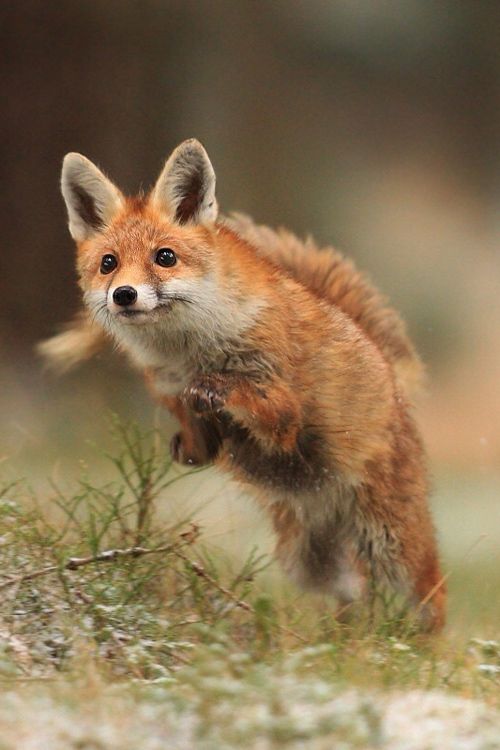",
"page_url": "https://randomfox.ca/?i=12"
},
{
"fox_number": 101,
"image_tag": "<img src=\"https://randomfox.ca/images/101.jpg\" alt=\"Fox number 101 from RandomFox\" />",
"image_url": "https://randomfox.ca/images/101.jpg",
"markdown": "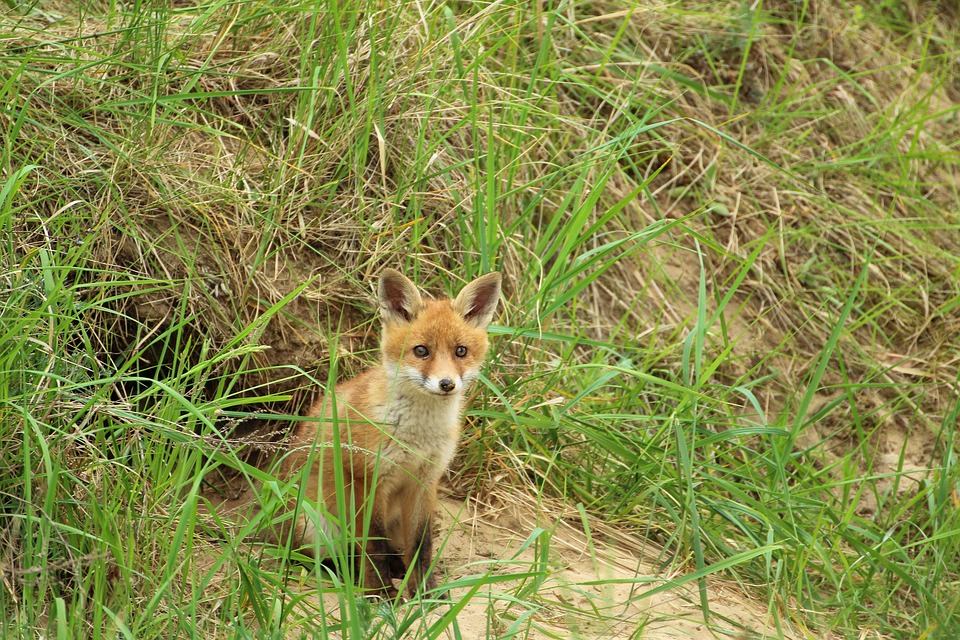",
"page_url": "https://randomfox.ca/?i=101"
}
],
"requested_count": 3,
"requests_made": 4,
"unique": true
}Get the fox of the day
Pick a fox from a seed, so the same seed always picks the same fox. Seed with the date, which is the default, and a daily post that retries, or that two people run an hour apart, shows the same fox, while tomorrow shows a different one. Seed with a channel or a customer name instead and each one gets its own fox. The pick is over however many foxes the site has, so give a fox count to pin it: the collection grows, and a bigger collection means a different fox for the same seed.
Inputs
- Seed
seedtext - Optional. Any text you like. The same seed always picks the same fox, so a channel name gives each channel its own fox and a date gives a fox of the day. Leave empty for today's date in UTC.
- Fox count
fox_countnumber - Optional. How many foxes to pick from. Leave empty to use however many the site has right now, which costs one request. Wire in the count a Count the foxes step reported, or write down a number, to pin the pick: the site's collection grows, and a pick over a bigger collection is a different fox for the same seed.At least 1.
Outputs
fox_numbernumber- The fox's number, which is how a fox is named on this site: fox 78 is the one at https://randomfox.ca/?i=78, and it stays that fox for good. Keep it to fetch the same fox again later. Null only in the rare case where the site's answer carried no number.
image_tagtext- The picture as a ready-made HTML img tag with alt text, for a step that writes an email body or a web page.
image_urltext- The picture itself, e.g. https://randomfox.ca/images/78.jpg. It is a JPEG, so it works as an img src, in a Markdown image and in most chat apps' unfurls.
markdowntext- The picture as a ready-made Markdown image, for a README, an issue or a chat app that renders Markdown.
page_urltext- The site's page for this fox, e.g. https://randomfox.ca/?i=78. This is the address the site's own 'Share this fox!' box hands out.
pool_countedtrue/false- True when the pool was the site's live fox count, false when it was the count given to the step.
pool_sizenumber- How many foxes the pick was made from.
seedtext- The seed the pick was made with, which is today's date in UTC when none was given.
Example output
{
"fox_number": 116,
"image_tag": "<img src=\"https://randomfox.ca/images/116.jpg\" alt=\"Fox number 116 from RandomFox\" />",
"image_url": "https://randomfox.ca/images/116.jpg",
"markdown": "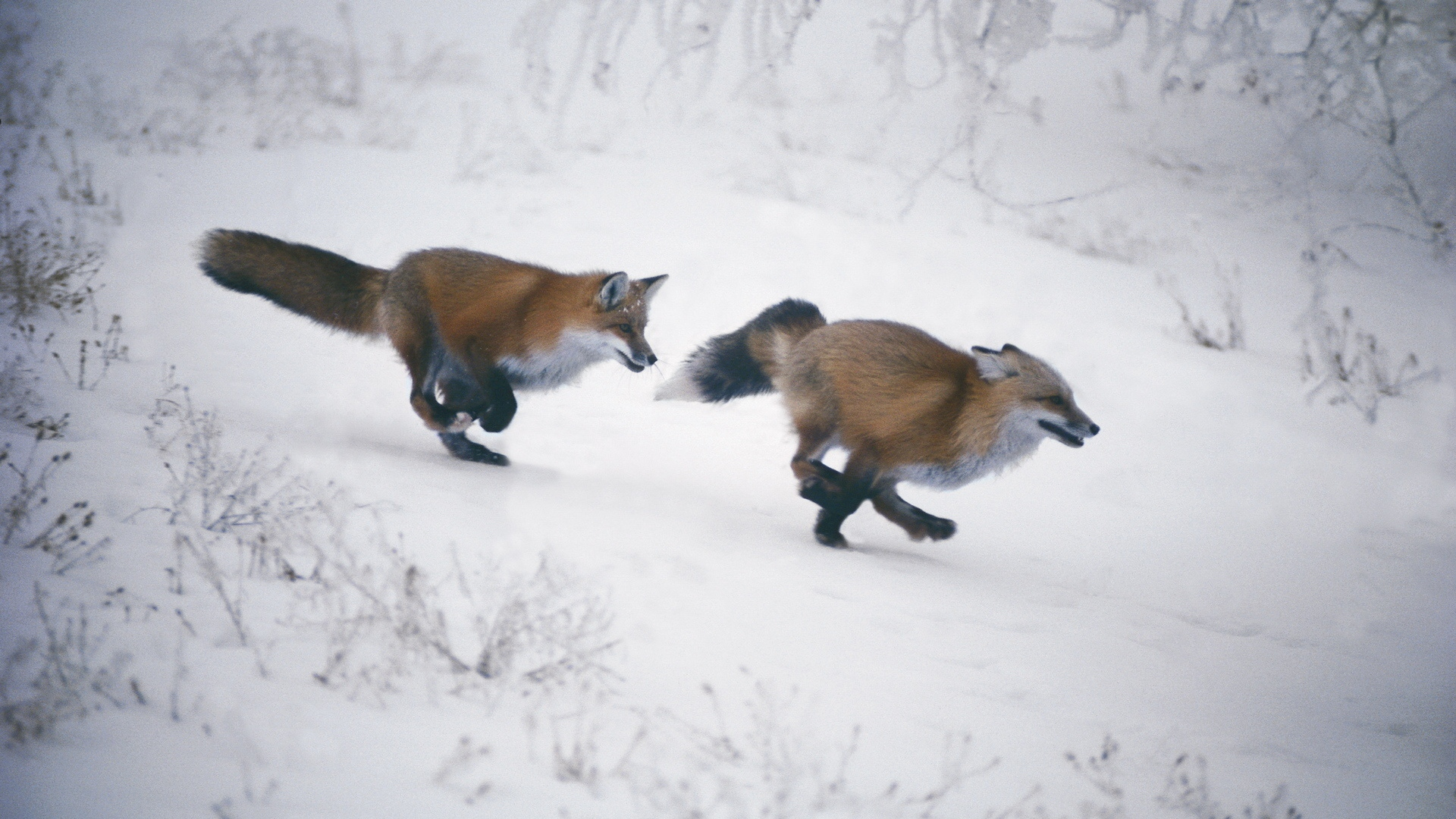",
"page_url": "https://randomfox.ca/?i=116",
"pool_counted": false,
"pool_size": 124,
"seed": "2026-09-12"
}